How To Send an Invoice
Last Updated: February 17, 2025
To send an invoice, navigate to the invoices dropdown on the left-hand side menu and click “Invoices”. A submenu will open, click on “All Invoices”
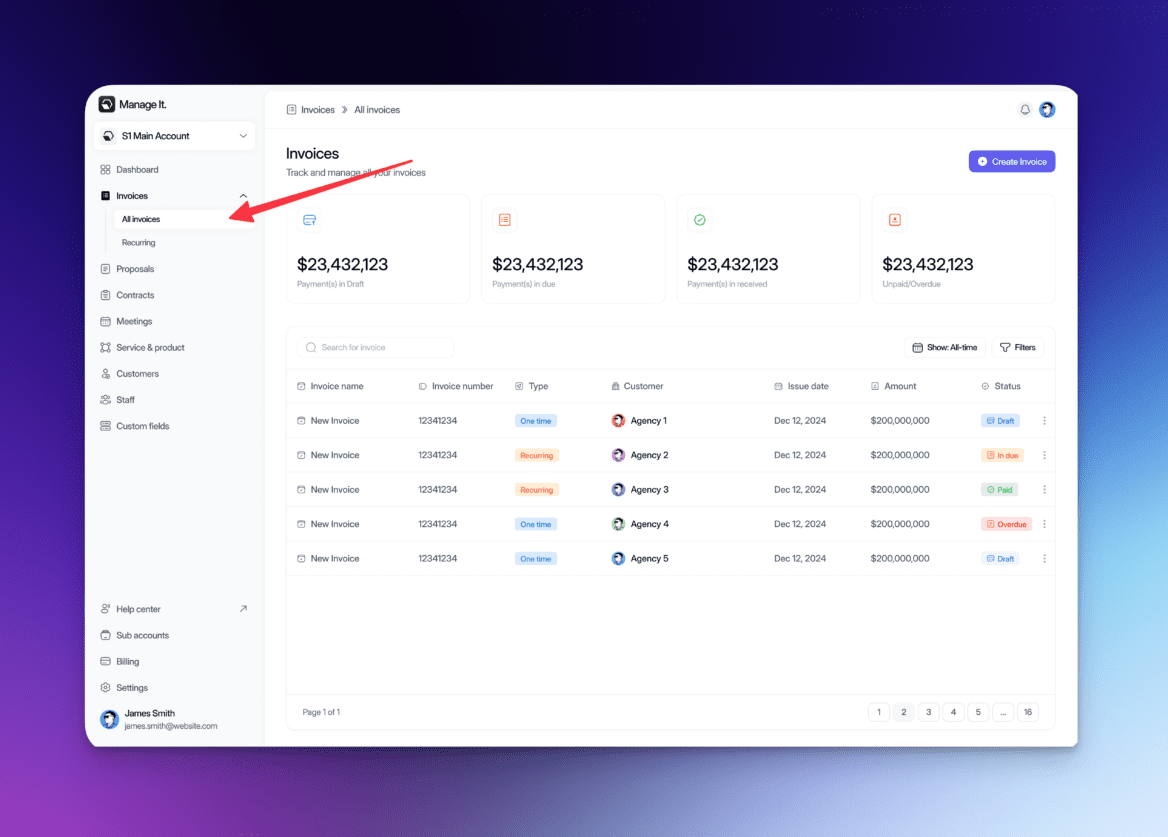
Once you navigate to that screen you’ll see all your current invoices as well as some statistics.
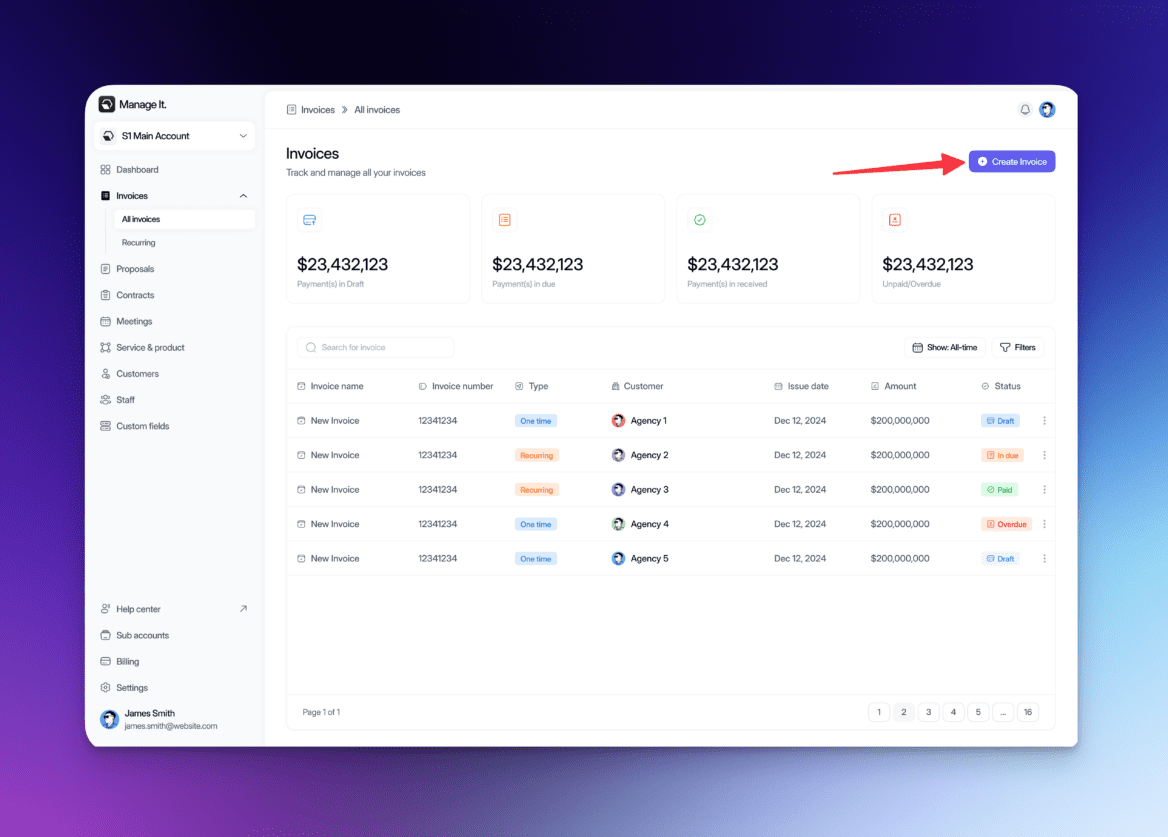
Then click on the button on the top right that says “Create Invoice”
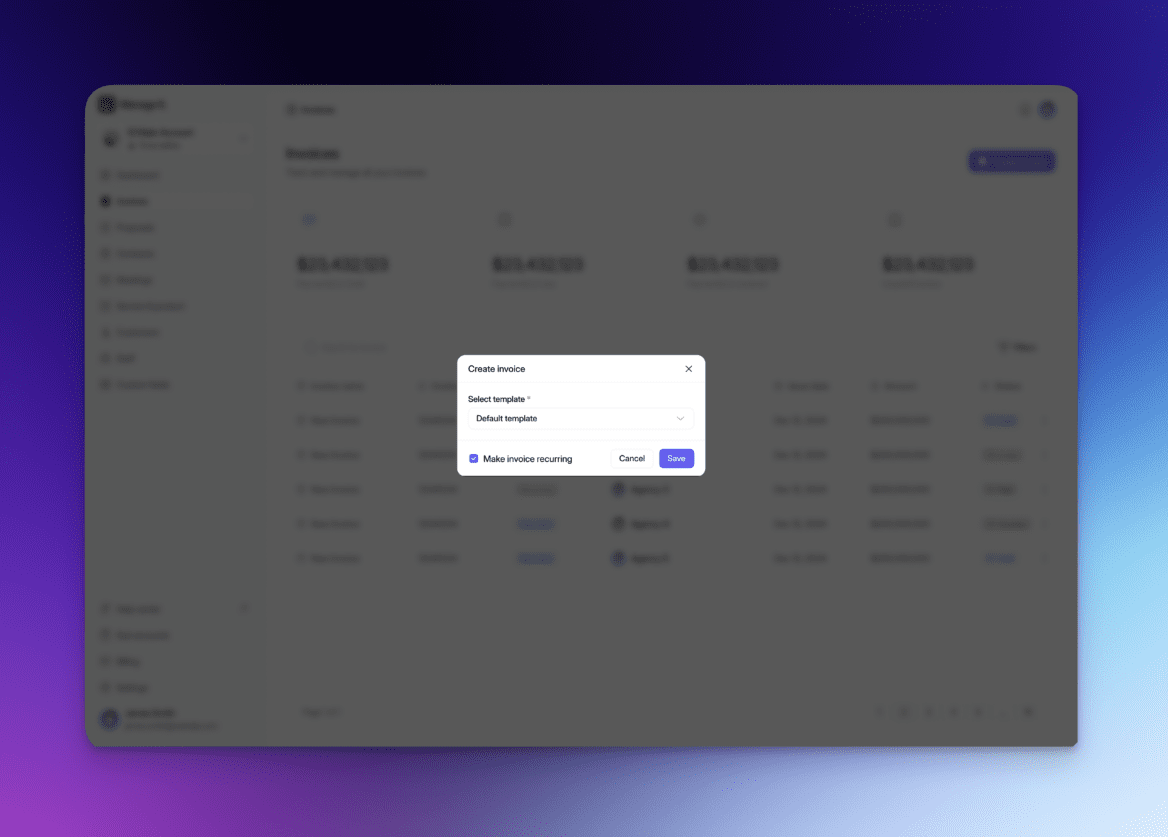
After you click it you’ll be prompted with a popup. You can either select a template (learn more here) or you can use our default template. You also can choose to make this invoice recurring (learn more here).